TASK CATEGORY 01
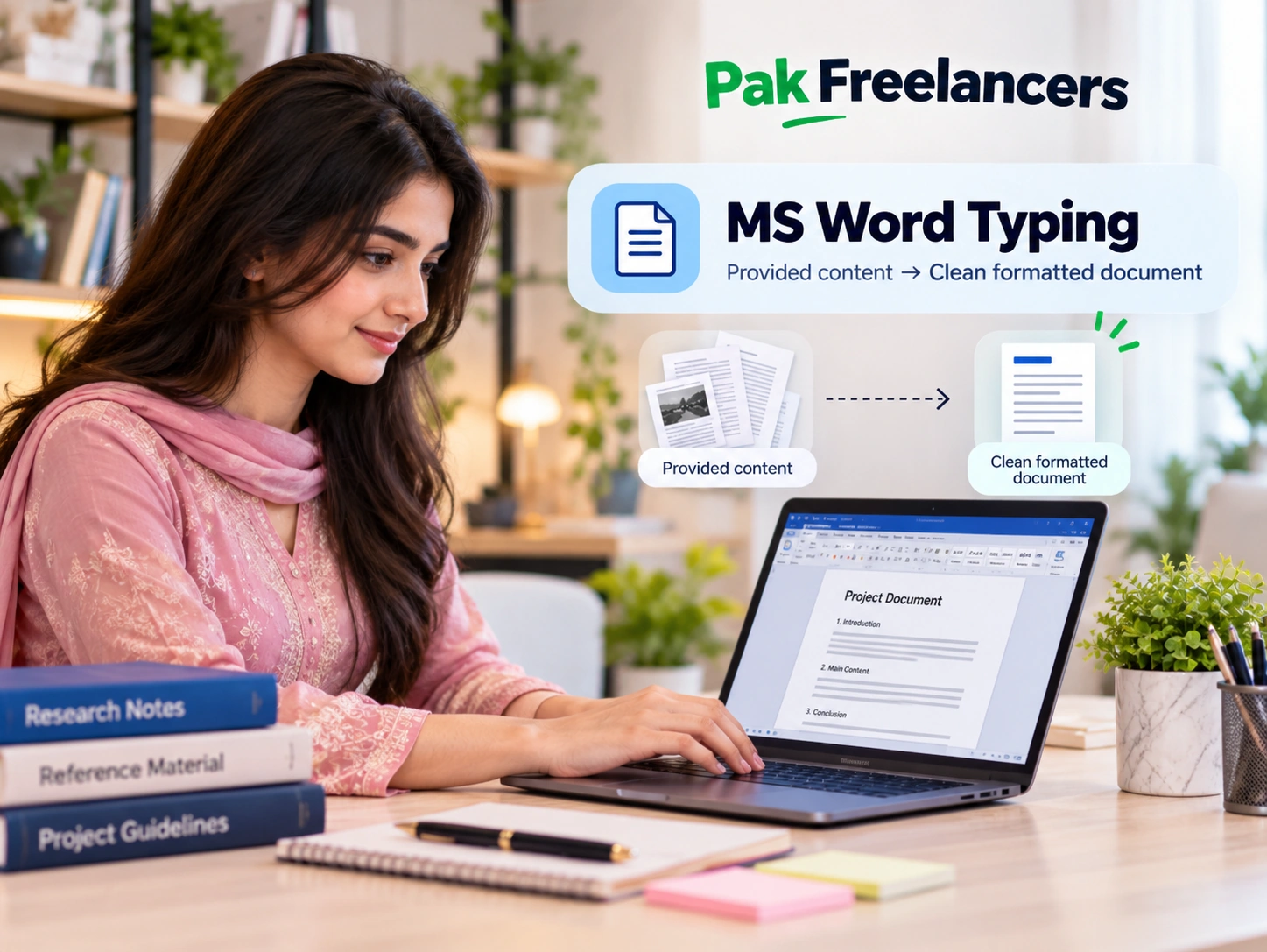
MS Word Typing
Work with supplied text and instructions to prepare structured, formatted MS Word documents.
Confirm Availability: Before EnrollmentExplore details
Explore practical project-based typing, data entry, handwriting and writing tasks. Learn about the skills, expected deliverables and how our team handles project enquiries.
Learn what the tasks involve before comparing plan levels. These are task categories, not live vacancy counts.
Work with supplied text and instructions to prepare structured, formatted MS Word documents.

Organise supplied information into the requested tables, spreadsheets or digital formats.
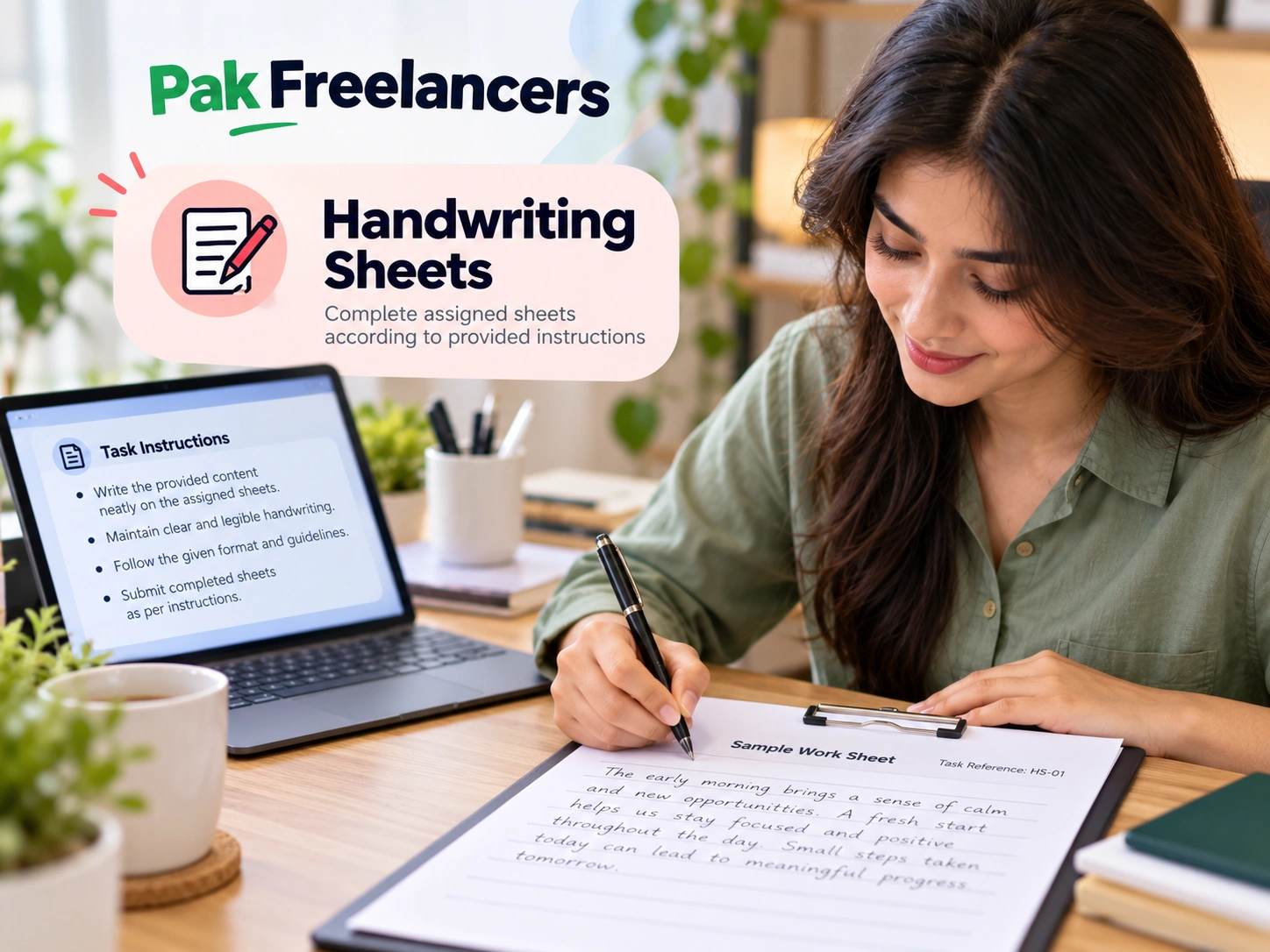
Prepare handwriting sheets in the format and presentation required by the assigned project.
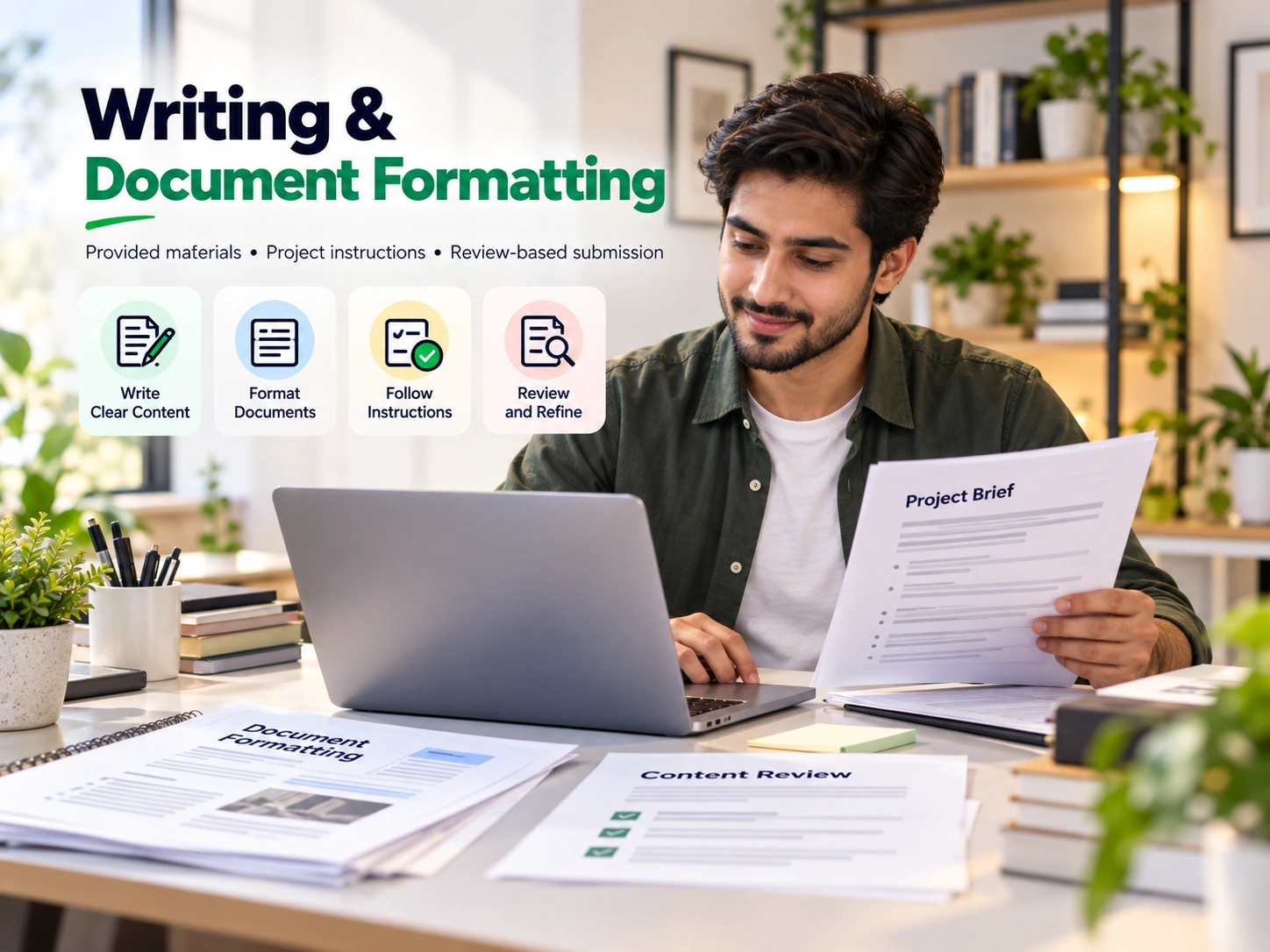
Organise legitimate supplied material into clearly structured written and formatted documents.
Explore useful tutorials for typing, Excel, handwriting and writing from home.
Know what each step means before choosing to proceed.
Understand task type, format, required skills and project-specific quality standards.
Understand the services and process described in Working Plans.
The message is prefilled with your category and plan. You must choose to send it.
Our team confirms current task suitability, availability and project requirements.
Discover Starter, Beginner and Expert support levels with different onboarding, guidance and task-category features. Full details are available on the Working Plans page.
Compare all inclusions →Explore the categories and learning guides, then review the complete Working Plans information when you are ready.